
Split a process step job in the GANTT Timeline
You can split a process step job into several workstations if there is capacity available. Here is how:
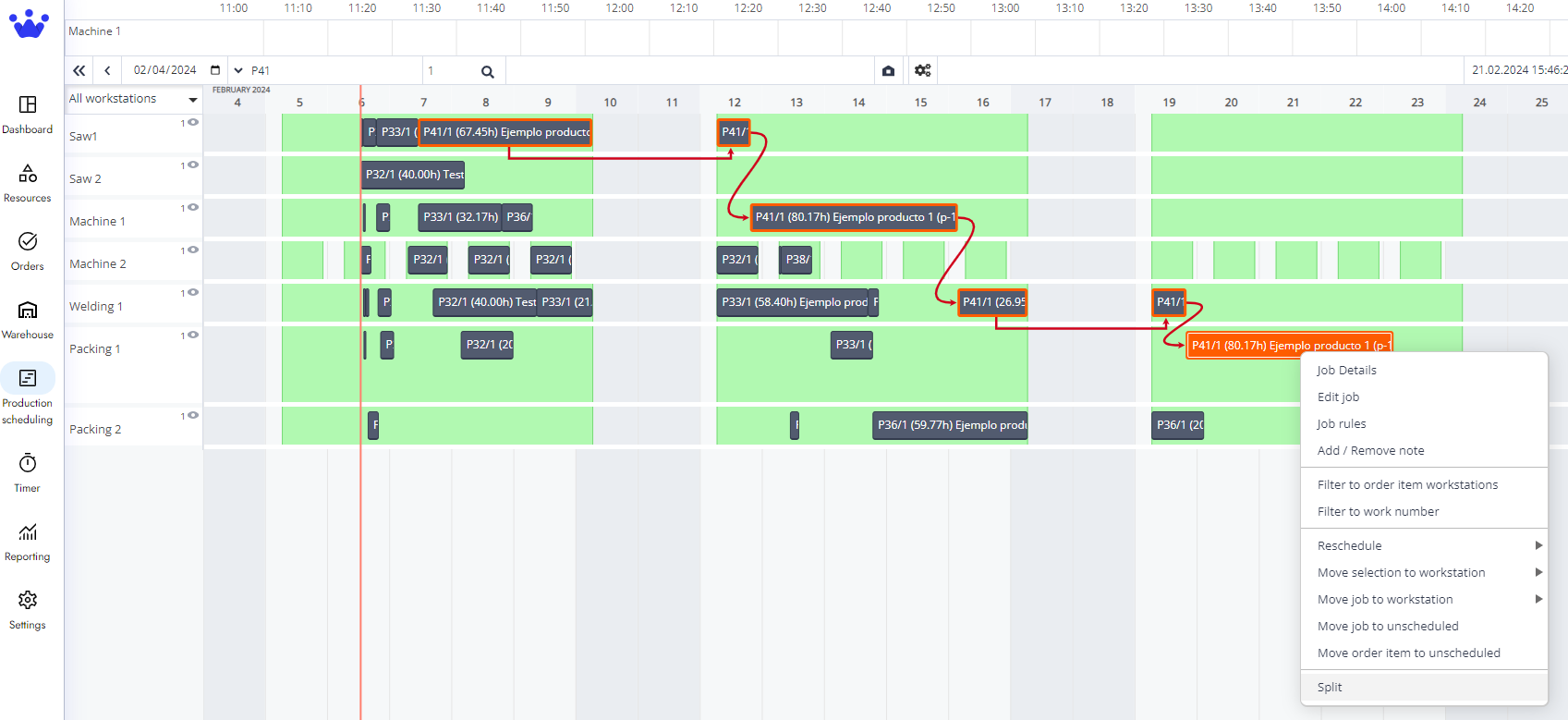
- Right-click on the process step job you want to split; in this case, we will split P41 and divide this work into Packing 1 and Packing 2.
- On the dropdown menu, pick Split.
- Now, your process step job is divided in half. Click Accept to confirm you want this action to proceed.
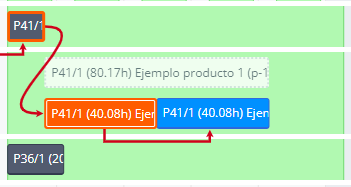
- Next, we will select the last half of P41 and right-click on this process step job.
- Click Move selection to workstation, and in the new dropdown menu, pick the workstation you decide you want to move this process step job. In this case, we are moving it to Packing 2. You will see that this second half is on Packing 2 now.
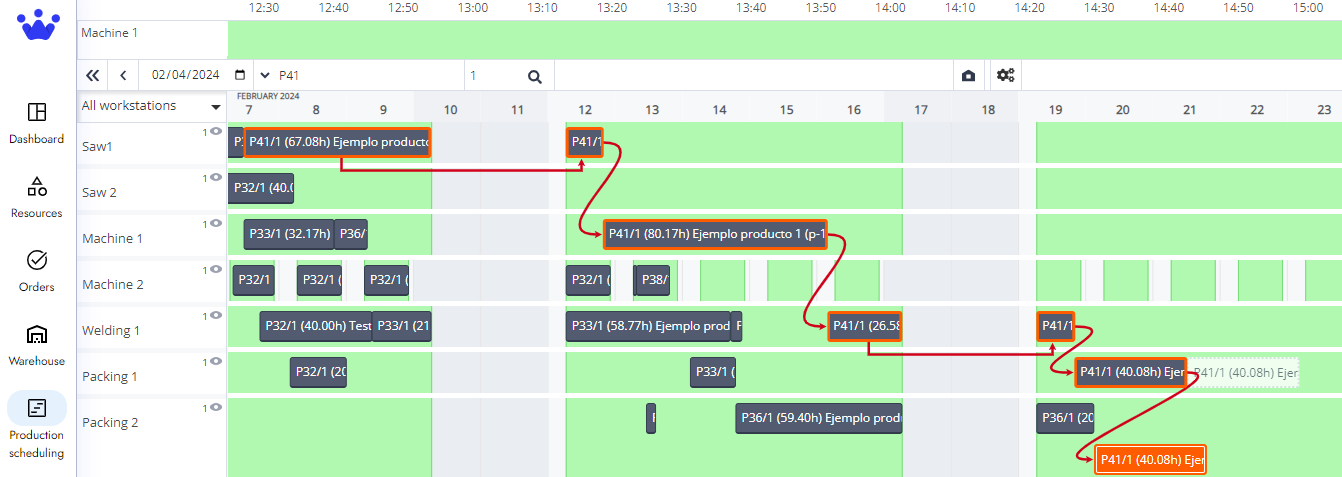
- Click accept, and now your production has a new schedule.