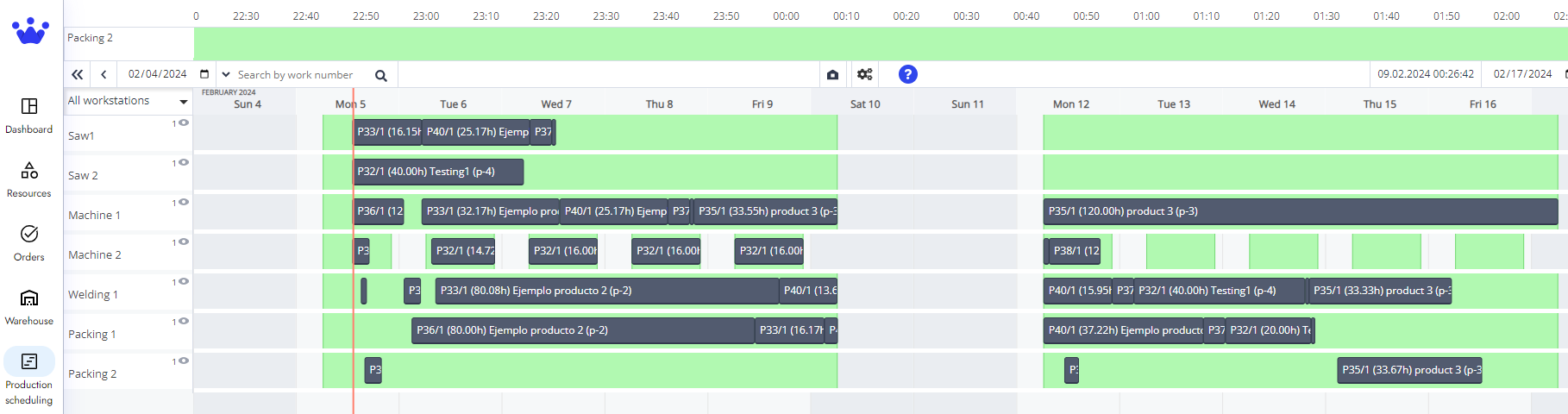
How to show all the Workstations in GANTT Timeline
To see all the workstations in the GANTT Timeline:

- Click on the All workstations button
on the left side of your GANTT Timeline.
- A menu will appear; click on the Box All workstations.
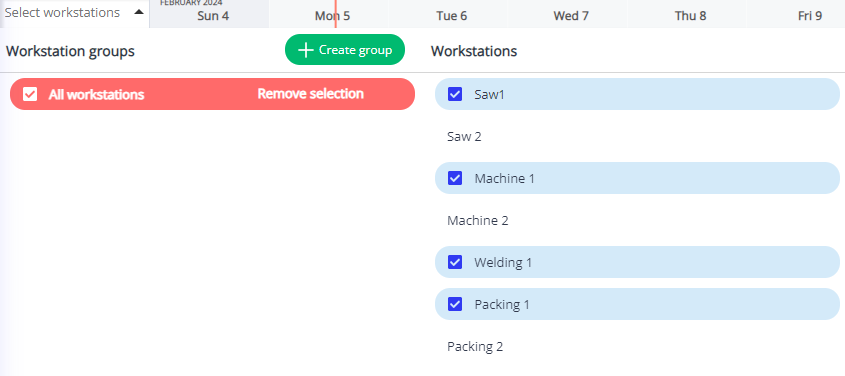
- Finally, click anywhere else on the GANNT Timeline to close the menu and see all the workstations now.