
How to edit a user
If you need to update the information of an existing user:
- Go to Resources and select Users.
- Next, in the Users panel, click the pencil icon on the right of the user you want to edit.
- On the next panel, write the new information you wish to update.
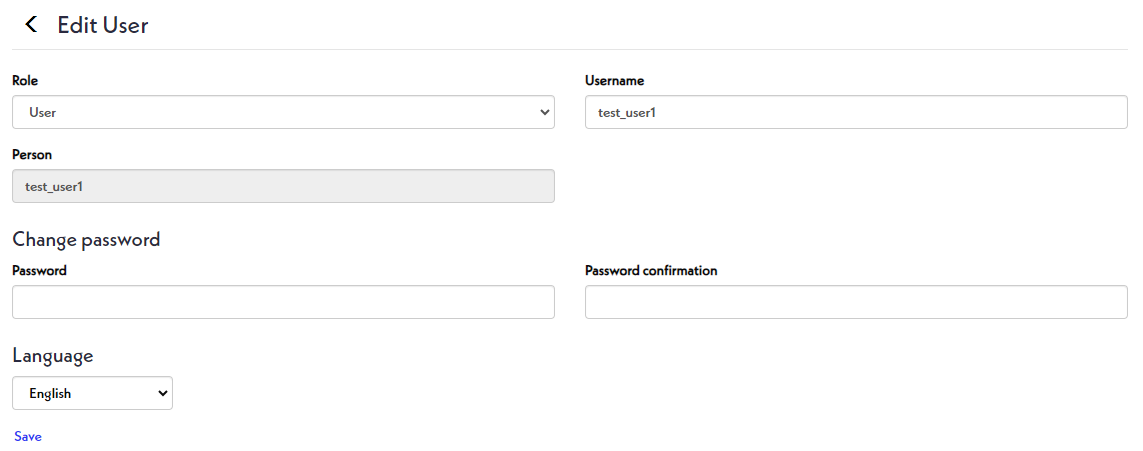
- Finally, click Save.