
How to edit an order
For editing an existing order:
- Click Orders in the left column and select Orders. Here, you will see all your company's completed, scheduled, and in-process orders and other relevant information.
- Look for the order you want to edit and click the
three dots icon. Select Edit.
- A new window will appear where you can edit the information order's information. Click Save when you have finished.
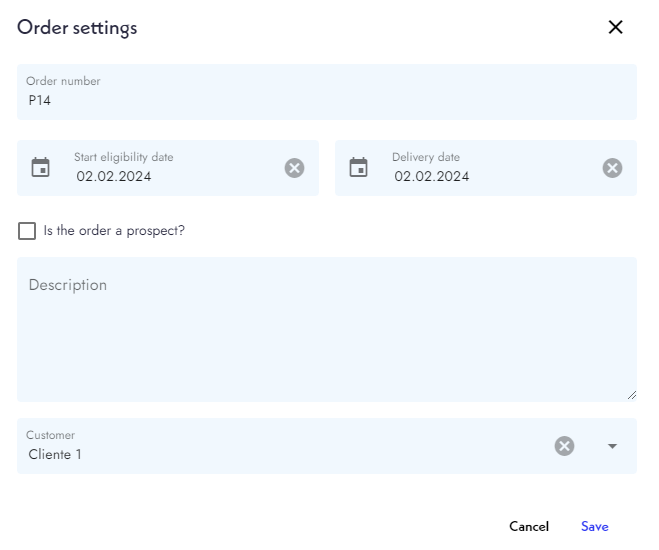
Now your order is edited.