How to add a new workstation
If you want to add a new workstation:
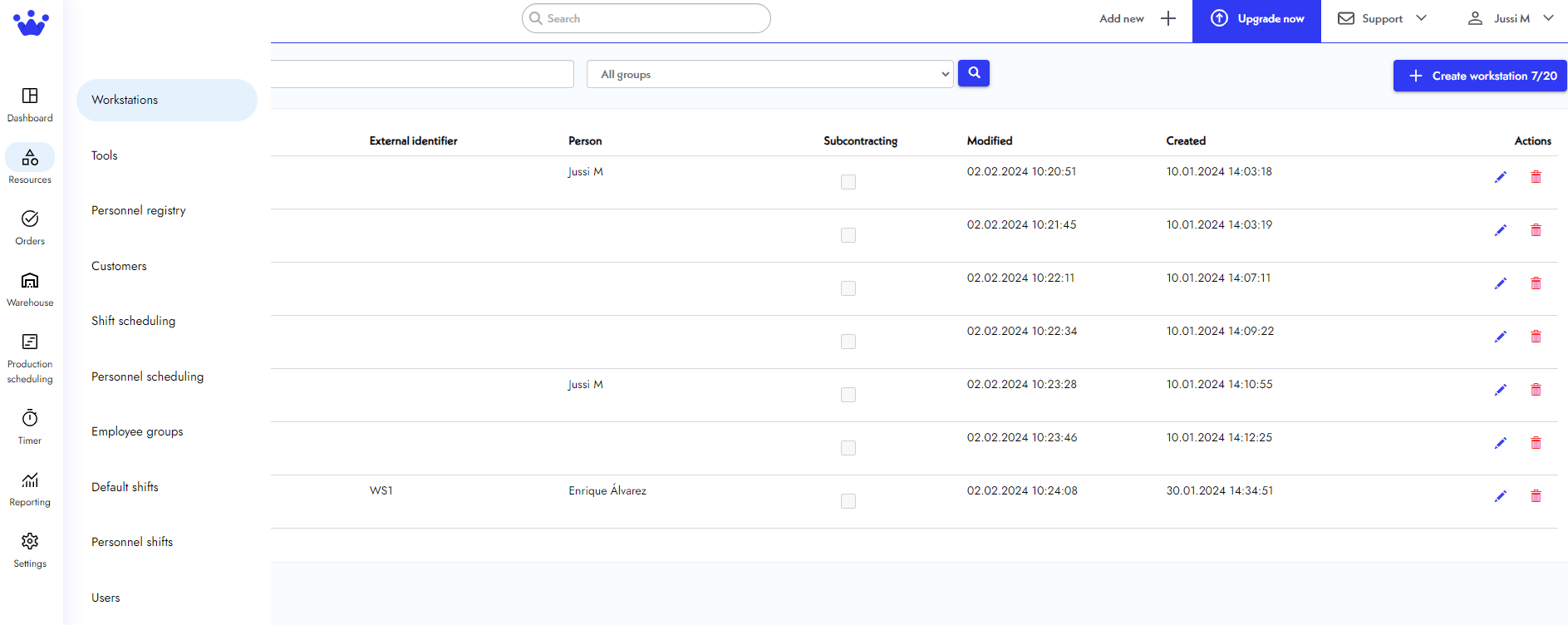
- We will go to Resources and select Workstations. The software will take you to a page containing all your existing workstations.
- On the top right, we will click on Create Workstation. Notice that this same button will tell you how many workstations you have available in your SkyPlanner plan.

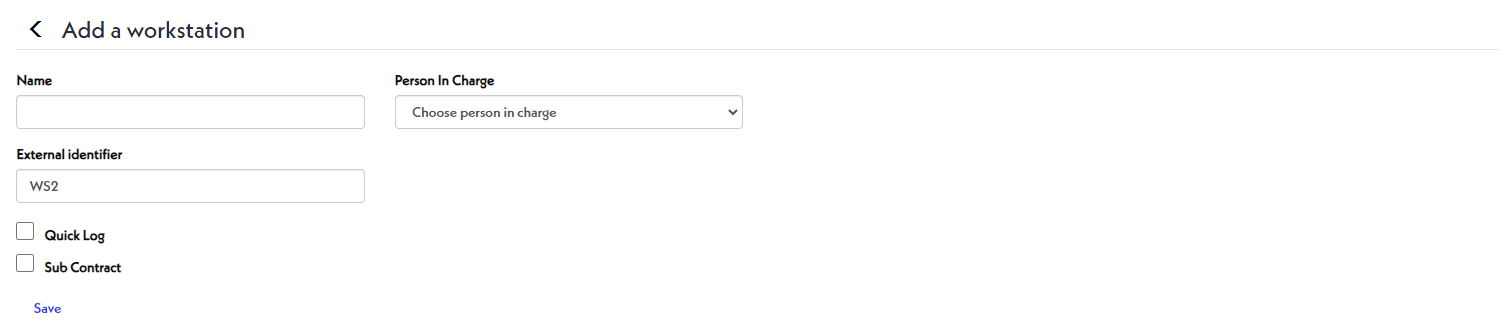
- Next, you will add a name to this workstation, choose a person in charge, and pick other options that describe this particular workstation.
- Finally, click Save.
- Now click the
back arrow to see your workstation on the previous list!