
How to add Tools
To add new tools:
- We will go to Resources and select Tools. The software will take you to the Tool Panel, a page containing all your existing tools. Here, you can see which tools are operational, which are on maintenance, and when this maintenance ends. On the right, you can filter your company's tools by their Operational, Broken, or Maintenance statuses.
- Now, let's add a new tool. At the top right, click Add Tool.
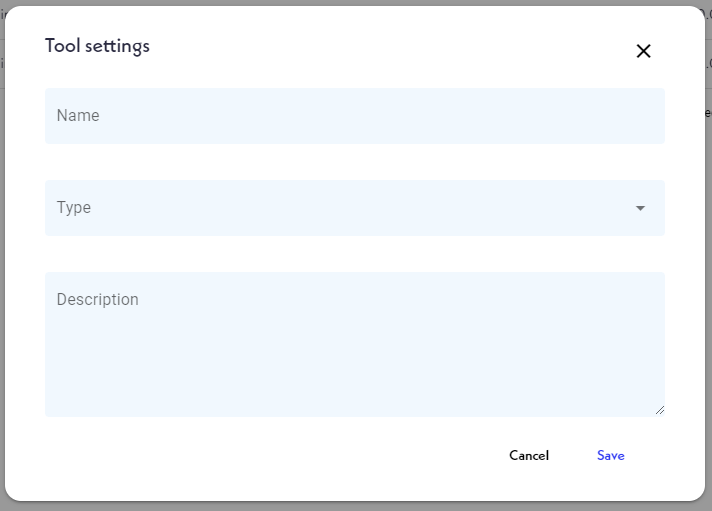
- A window will appear. Next, you will add a name to this Tool, define its type, type a brief description, and click Save.

Now you have added a new tool!