
Add a quick note to a process step
Quick notes can be small messages that help operators communicate more effectively and precisely about certain work events—for example, notifying them that a part must be replaced or must undergo maintenance soon.
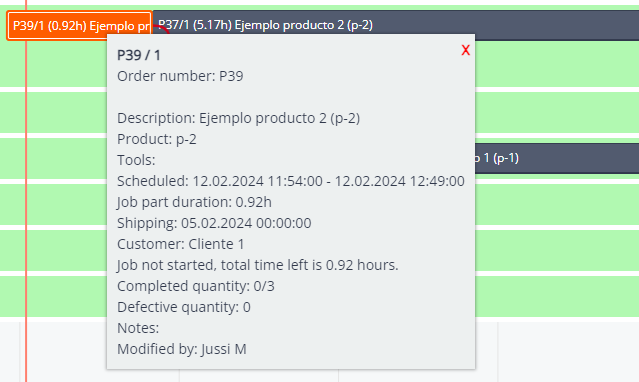
To add a quick note:
- Go to the process step you want to add a note in the GANTT Timeline.
- Right-click on it and select the Add / Remove note option.
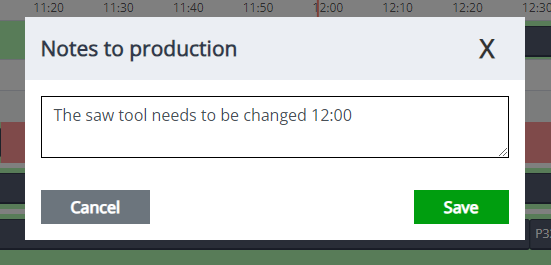
- A new window will appear; add the message you want. Then click Save.

- Now, that process step has a note. To view it, you need to double-click on the process step to see the details.
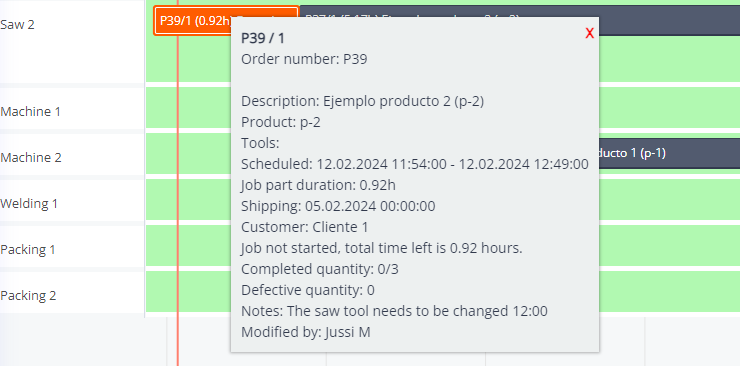
- If you need to edit or remove the note, repeat this process.