
How to filter an order
If you are looking for a specific group of orders:
- Click Orders in the left column and select Orders. Here, you will see all your company's completed, scheduled, and in-process orders and other relevant information.
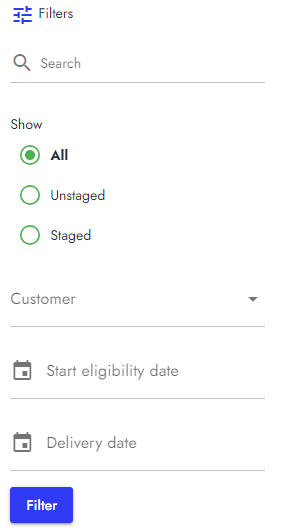
- On the right side, you will see the filter feature.
- You can filter your order by name, status, customer, eligibility, and delivery date.
- When you have specified your search field, click Filter.
- Now, only the orders with the specified filters are on your Order Panel.
