
How to add a new process step
If you want to create a new process step:
- Go to Orders and select Process steps.
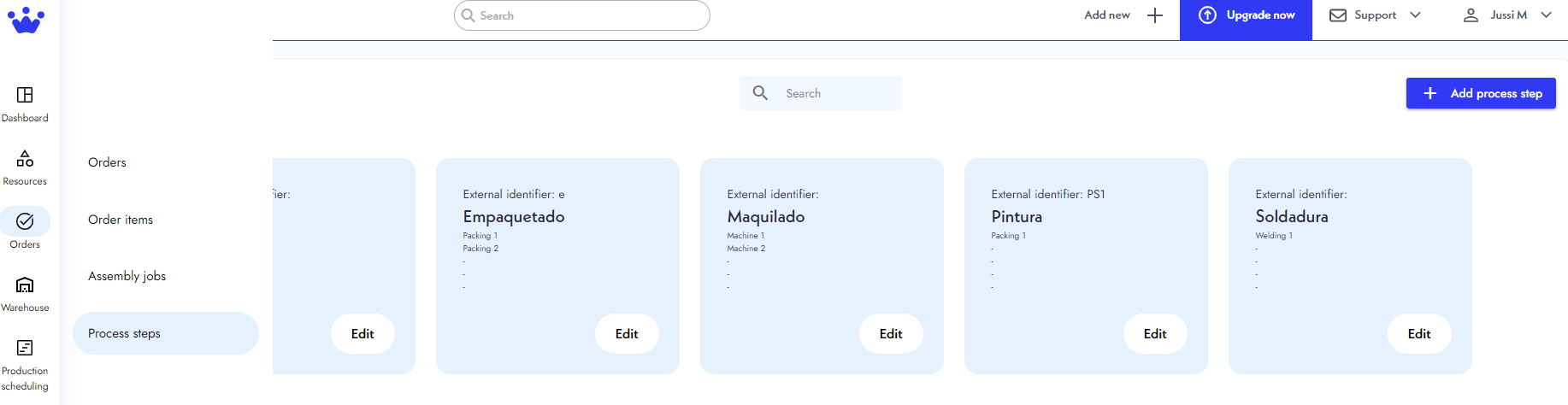
- Next, you will see the Process steps panel. You will find all the process steps your company can elaborate on here. At the top right, click Add process step.

- A window with options to define this new process step setting will appear. Write the name, select a workstation, and other relevant information for this new process step.
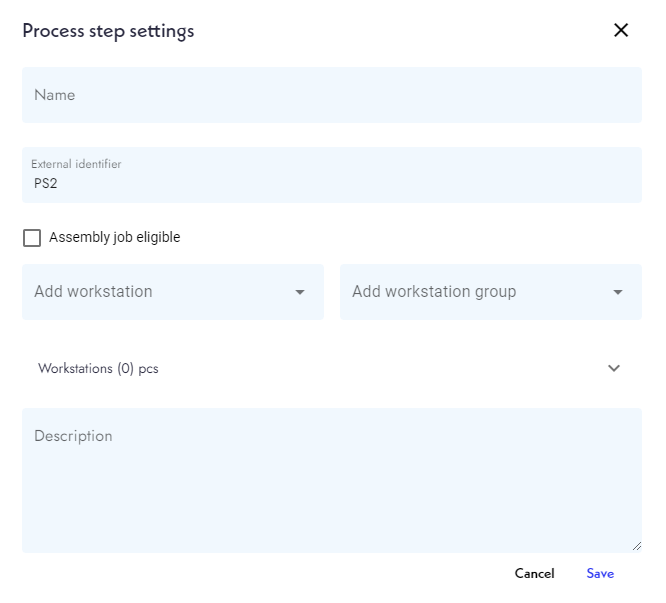
- Finally, click Save. Your new process step will appear in the panel.