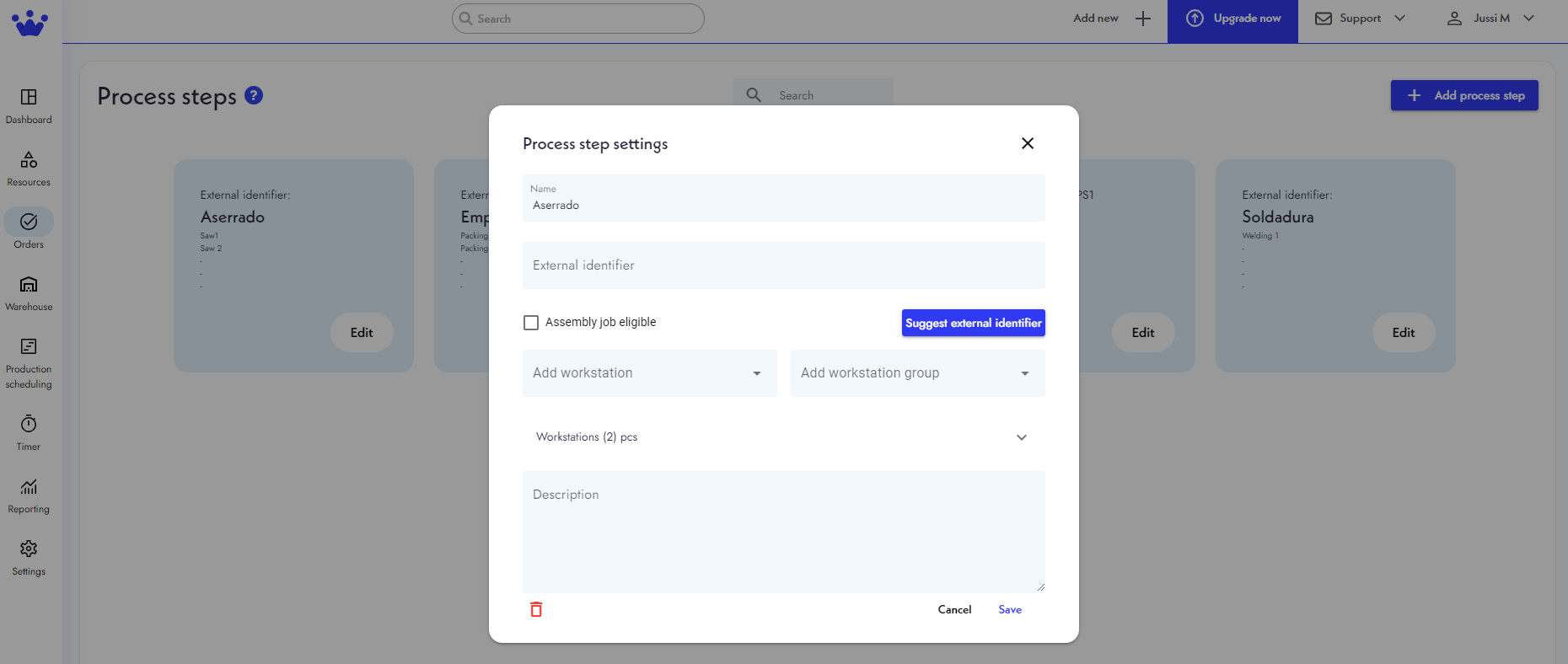
How to edit a process step
If you want to edit an existing process step:
- Go to Orders and select Process steps.
- Next, you will see the Process steps panel. You will find all the process steps your company can elaborate on here. Click the Edit Button at the bottom right of the process step you want to edit.
- A window with the current process step's information will appear. Change the information you want to update.
- Finally, click Save. Your process step is now updated.