
How to Create a Workstation Group in the GANTT Timeline
If you need to create a workstation group in the GANTT Timeline:
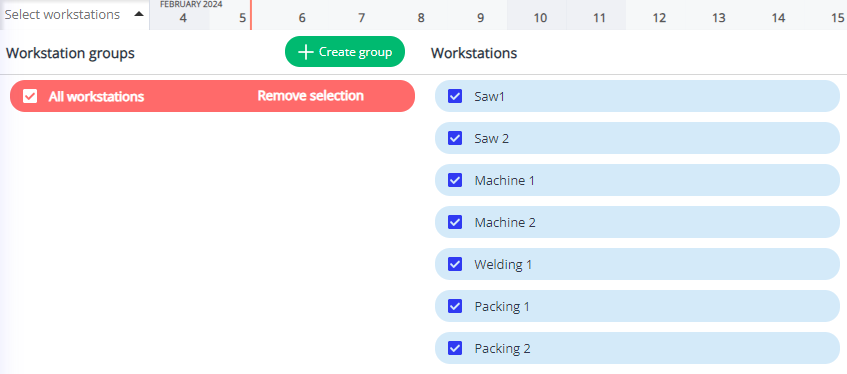
- Click on the All workstations button
on the left side if your GANTT Timeline .
- A menu will appear; click on
Create Group.
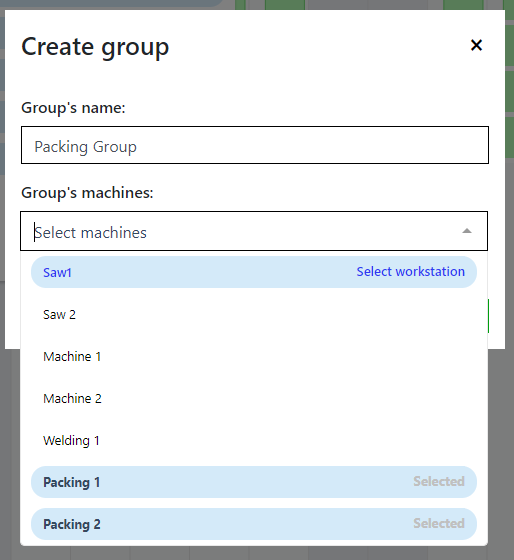
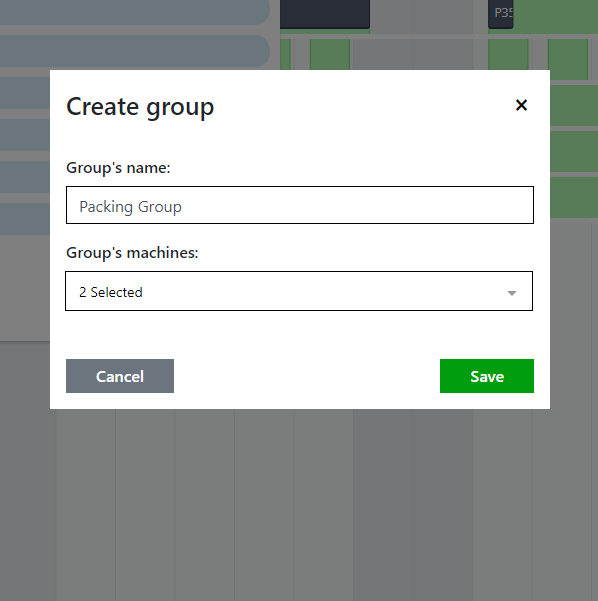
- A new window will appear. Name this group and select the workstations that will be part of it. Click Save.
- Now, you will see this group on your workstation menu.
