
How to delete a process step
If you want to delete a process step:
- Go to Orders and select Process steps.
- Next, you will see the Process steps panel. You will find all the process steps your company can elaborate on here. Click the Edit Button at the bottom right of the process step you want to delete.

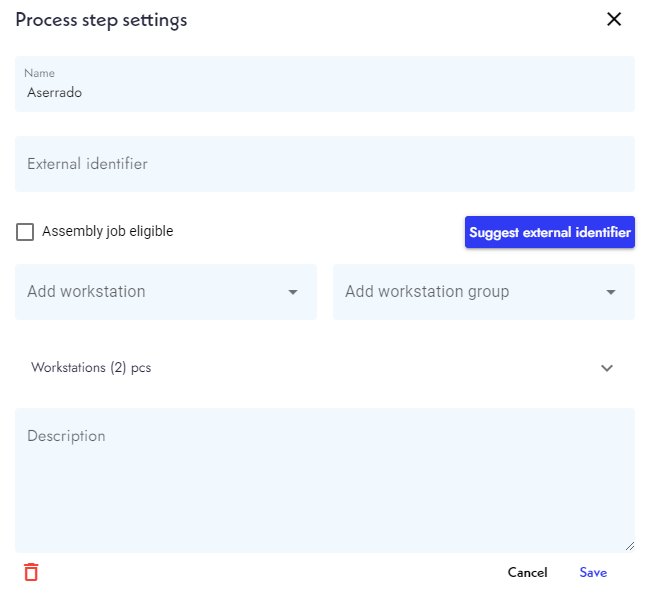
- A window with the current process step's information will appear. Look for the red trash can icon on the bottom left of this window. Click on it.
- SkyPlanner will ask you if you really want to delete this process step. Select yes, and SkyPlanner will delete the step.