
How to add a group to a workstation
For adding a group to a workstation:
- We will go to Resources and select Workstations. The software will take you to a page containing all your existing workstations.
- Look for the workstation you want to add a group and select the pencil icon at the right of this workstation.
- On the default shifts panel, click on Person and select Group.
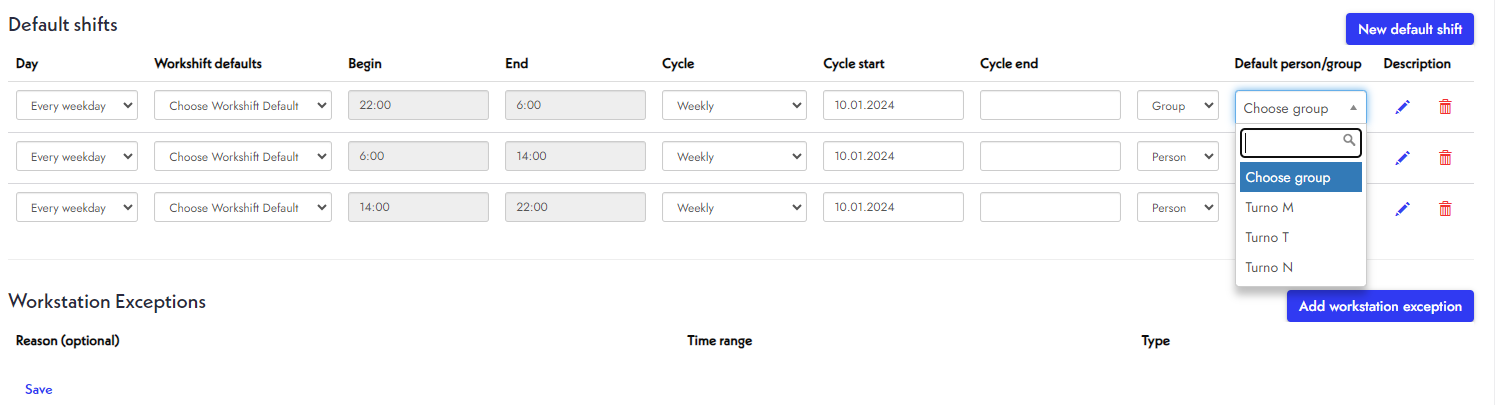
- Next, choose a group that will work on the workstation. You can create these groups in Resources >> Employee Groups.
- Finally, click Save.
Your workstation's information is updated.
Remember, you can make as many changes as necessary.