
How to hide Workstations in GANTT Timeline
For hiding a workstation in the GANTT Timeline:
- Click on the All workstations button on the left side of your GANTT Timeline.
- A menu will appear; click on the Box of the workstation(s) you want to hide. They will become white on the menu.

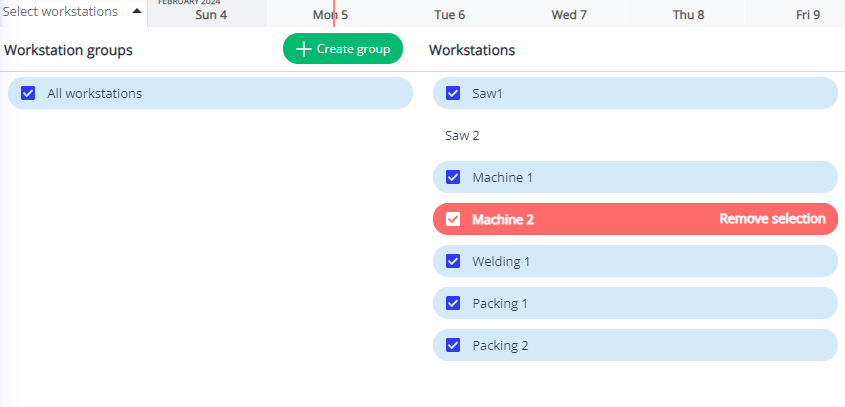
- Finally, click anywhere else on the GANTT Timeline to close the menu and see only the desired workstations. Remember, you can change this option at anytime.
