
How to Delete a Workstation Group in the GANTT Timeline
If you need to delete a workstation group in the GANTT Timeline:
- Click on the All workstations button.
- A menu will appear; look for the group you want to delete.

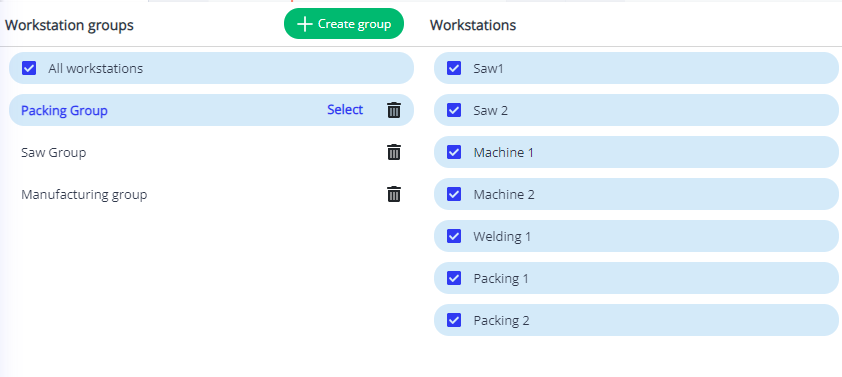
- Click on the trash can icon. A new window will appear, asking you if you will take this action. Click Ok.
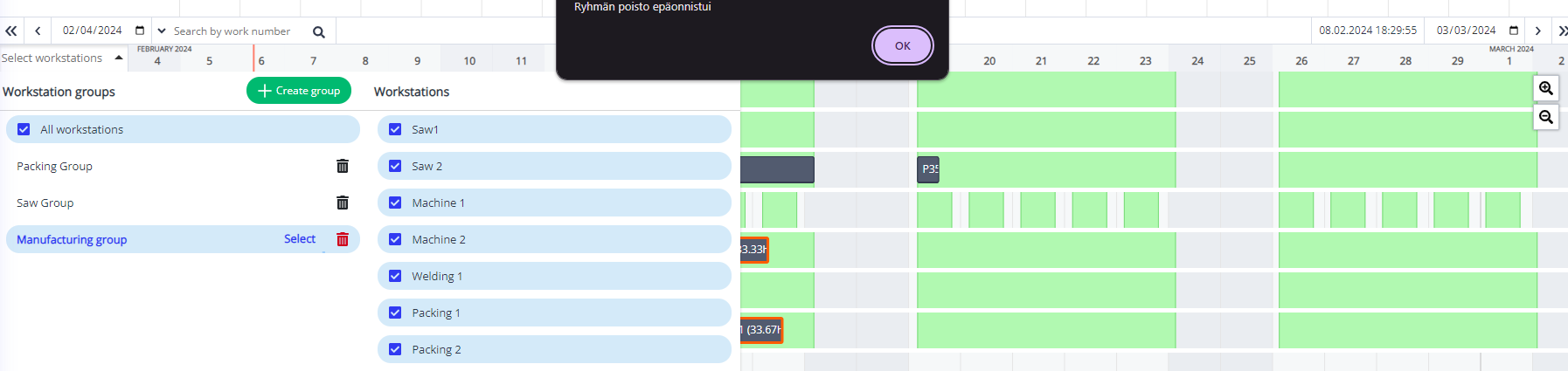
- Now, you, the workstation group, won't appear on the list of workstations anymore.
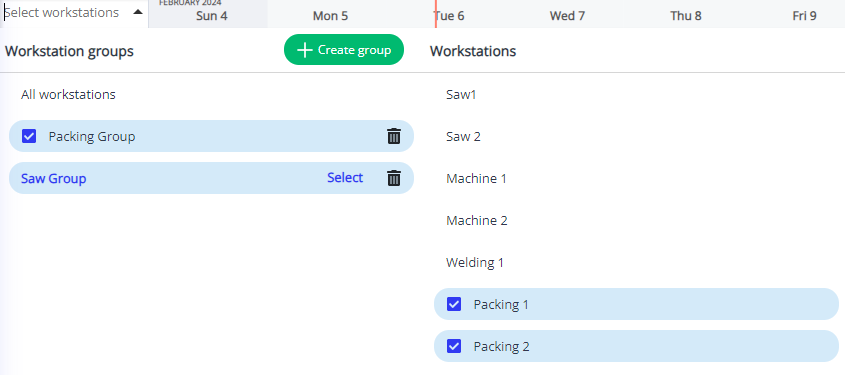
Remember that your workstations will still be in the GANTT Timeline. They will just not be grouped.