How to edit an Order Item
For editing an Order Item:
- Click Orders in the left column and select Orders Items. You will now see the Order Items panel.
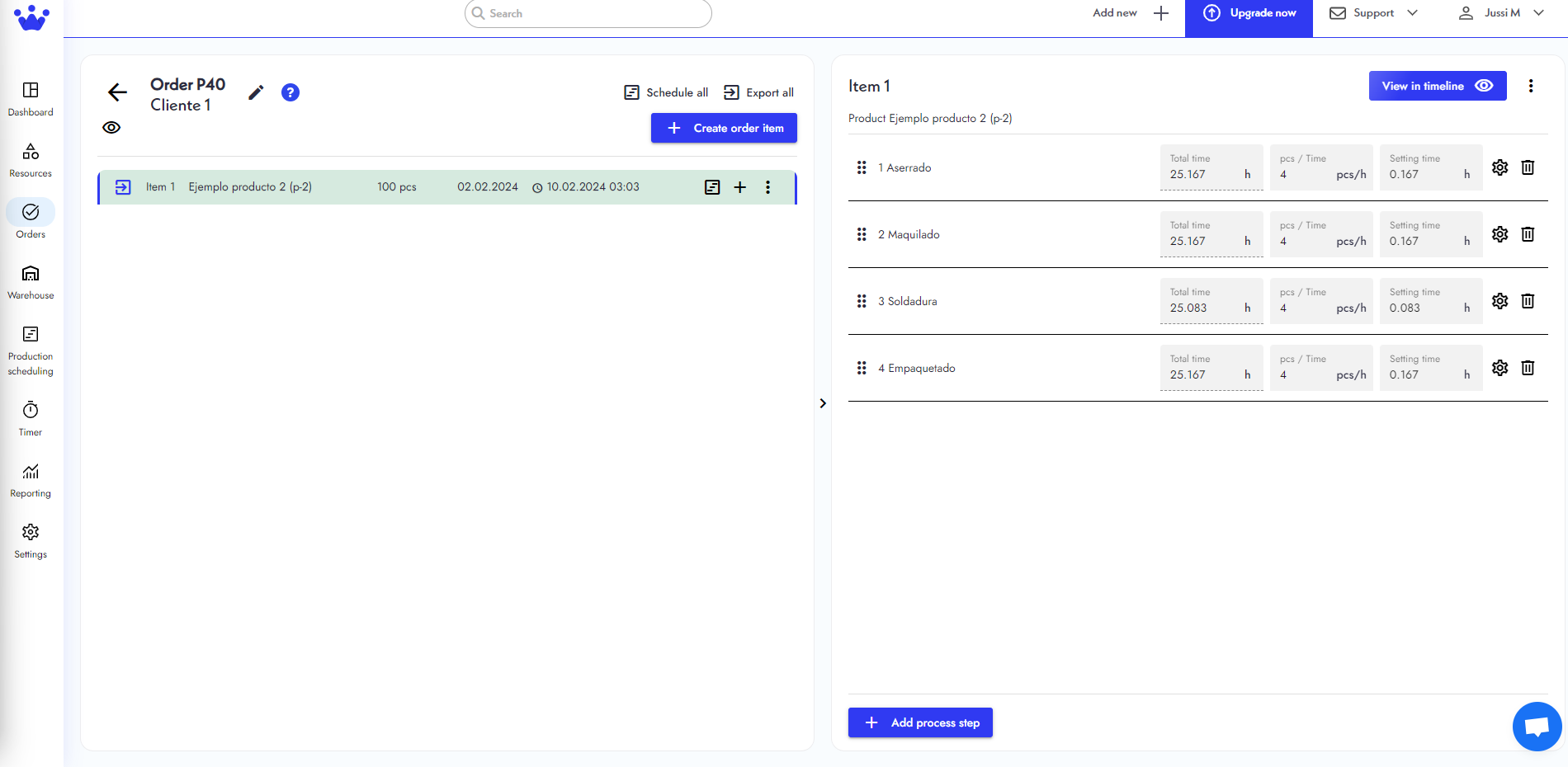
- Click on the Order Number's item you want to edit.
- You will now be taken to a new panel.
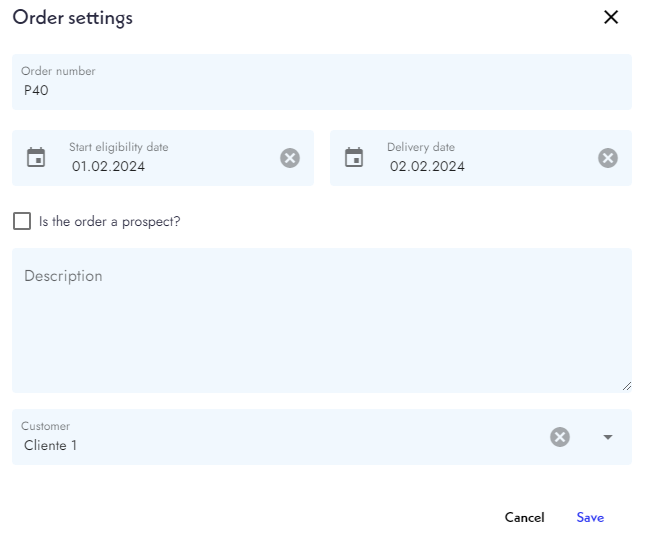
- Click on the pencil icon at the top left to edit the information of this order item. A new window will appear, and you can make the changes there.