
How to edit a Employee Group
If you want to edit an Employee Group:
- Go to Resources and select Employee Groups.
- Next, you will see the Employee Groups panel, where you can visualize all your created groups.
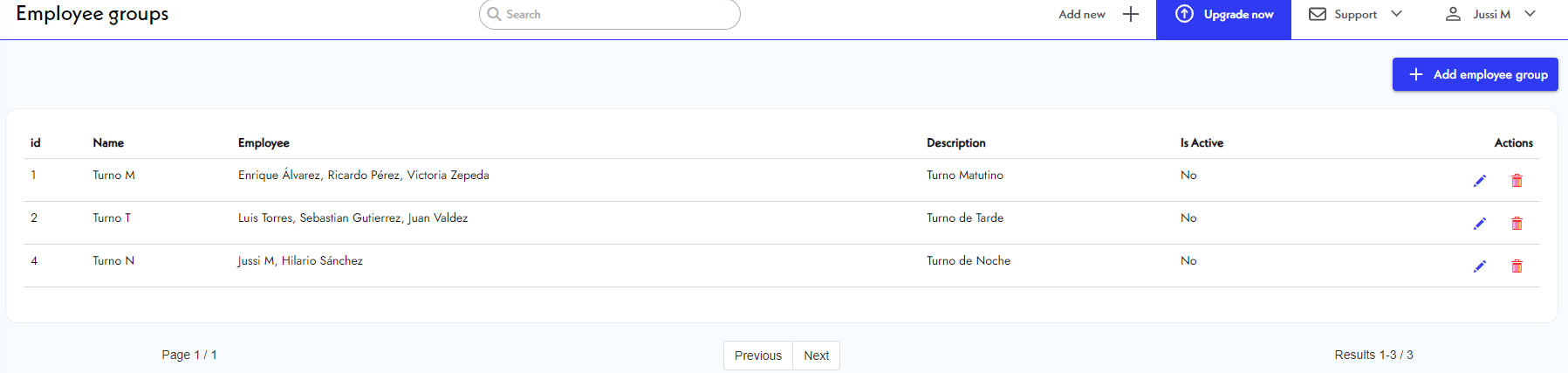
- Now, look for the Employee Group you want to edit. Click on the
blue pencil icon next to it.
- Edit the information you want to change and click Save.
- Click on the
back arrow to see the updated Employee Groups panel.