
Add a new Customer
If you want to add a new customer:
- Go to Resources and select Customers.
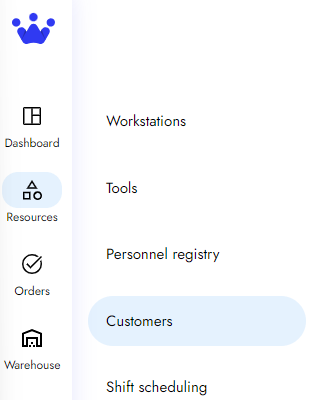
- Next, you will see the customer panel. Here, you can search by name or address and see more relevant information about your clients.
- On the top right, click on Add Customer.
- You will now see a new panel. Here, you can add the information of your new client, such as its name, country, postal code, and more.
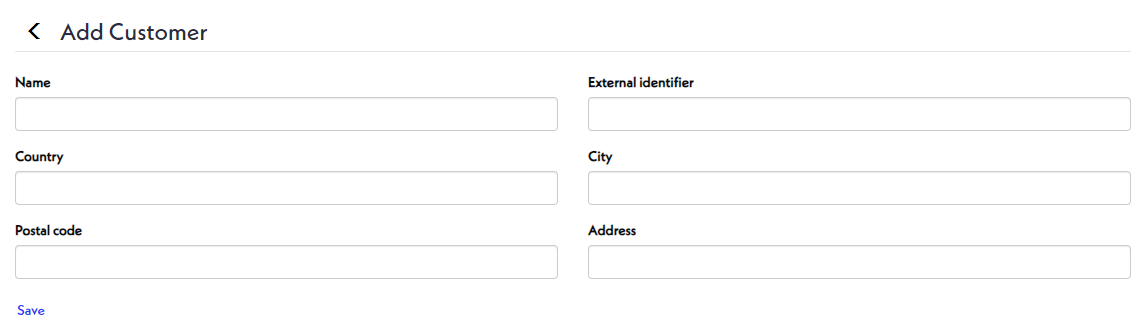
- Finally, click Save and use the back button.
- Your new client is now on the customer panel.